 SendToDesk
Local transfer
Phone and PC talk on your Wi‑Fi. SendToDesk does not host your documents.
Android + Windows
Scan a document or make a passport photo on Android. SendToDesk Desktop receives it on Windows over the same Wi‑Fi — no cloud, no cable, no chat hop.
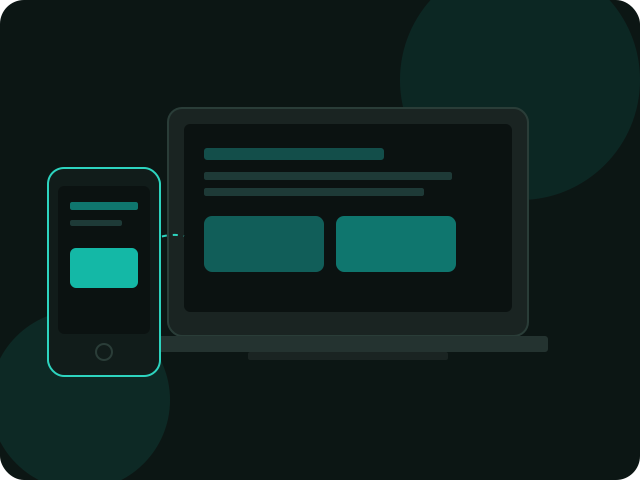
Built for photo counters, copy shops, and anyone who is tired of WhatsApp as a USB cable.
Phone and PC talk on your Wi‑Fi. SendToDesk does not host your documents.
Background tools, standard ID sizes, and KB limits for online forms.
Camera scanner, multi-page documents, then one tap to the desktop folder.
Hit portal size caps on the phone before the file ever reaches the PC.
Nearby devices, QR, or a code. Accept only computers you recognize.
Receive on Windows, or send files back to the phone when you need to.
Same trusted Wi‑Fi on both devices. Keep the desktop app open.
Android from Google Play. Windows desktop from this site only.
Guest networks and VPNs often block discovery. Use a network you trust.
Connect from Nearby, scan the QR, or enter the code shown on the PC.
Save & Send to Desktop from a scan or passport photo — or share from other apps.
The phone creates the file. Windows is the inbox.
Passport size photo maker, document scanner, and PDF compress.
Official companion for Windows 10 and 11. Not available for macOS yet.
Desktop v1.0.0 for Windows. Unpack the zip and keep the whole folder — the .exe is not enough on its own.
64-bit Windows 10 and 11. Zip of the official release folder.
Download for WindowsPhone app for scanning, passport photos, and sending to the PC.
Get it on Google PlaySmartScreen may warn on unsigned Windows builds until the .exe is code-signed. Only install desktop software from this official page.
Pair in the morning. Send scans and passport photos to the PC all day.